

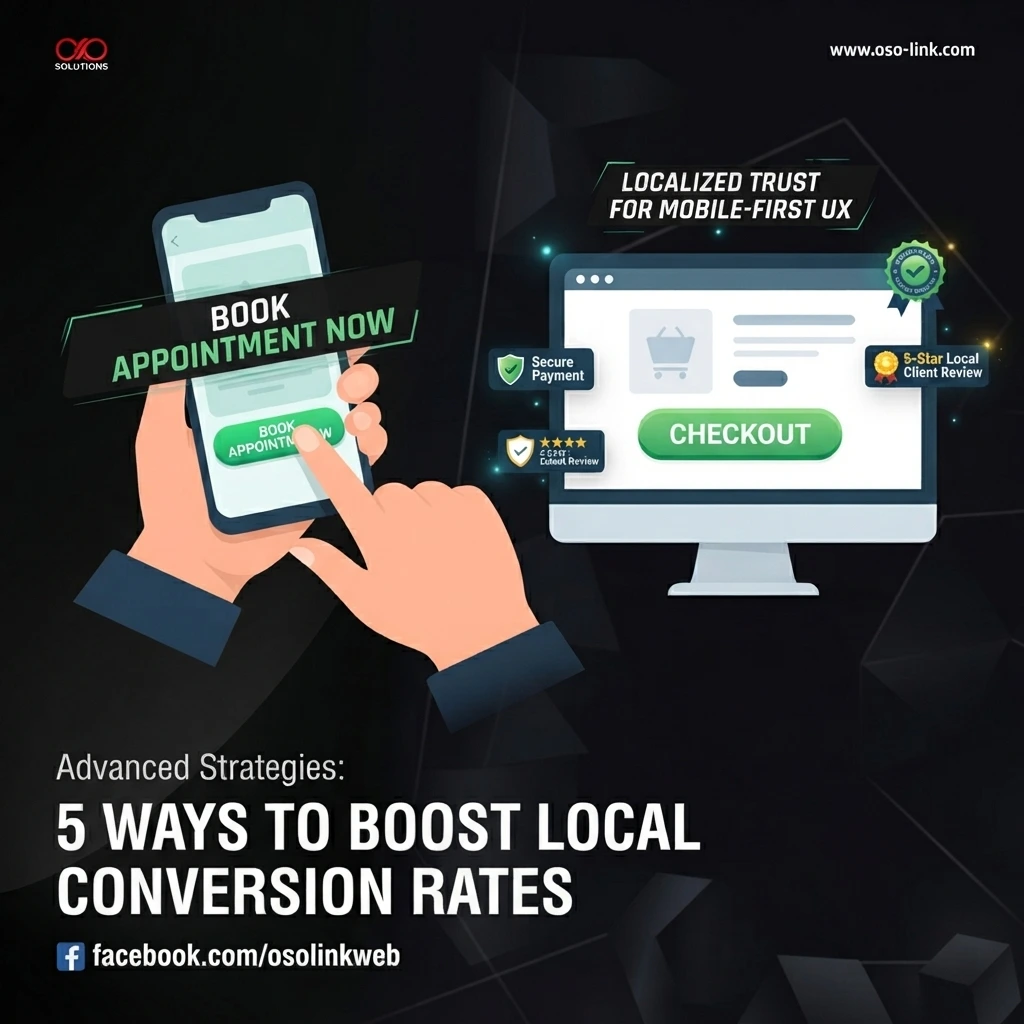
When business owners think about website design, the focus almost always lands on the homepage. While your landing page serves as a vital digital storefront, your visitors rarely make buying decisions based on the front door alone. To truly turn casual web traffic into loyal customers—especially in competitive local markets—you need a strategy that optimizes the entire journey.
Here are five advanced web design strategies you can implement right now to elevate your user experience and supercharge local conversion rates.
1. Leverage Localized Micro-Interactions
Standard call-to-action (CTA) buttons like “Contact Us” or “Buy Now” are often too generic to spark immediate action. Instead, integrate localized micro-interactions that make your brand feel instantly accessible and community-rooted.
- Dynamic Geotargeting: If you serve multiple regions or neighborhoods, display dynamic text or localized service availability badges depending on the user’s location.
- Interactive Availability Cursors: Use subtle UI animations or status indicators (e.g., “Serving Davao City Today” or “Next available appointment: Tomorrow at 10 AM”) right next to your inquiry forms to reduce friction and urgency hesitation.
2. Streamline Mobile Navigation with Bottom-Heavy UI
With over 70% of local searches happening on mobile devices, traditional desktop navigation menus simply don’t cut it.
- The Thumb Zone Rule: Design critical conversion triggers—such as a click-to-call button, WhatsApp chat widget, or quick-quote form—within the natural “thumb zone” at the bottom of mobile screens.
- Sticky Navigation Bars: Keep core action items pinned as users scroll, ensuring they never have to hunt through a hamburger menu when they are ready to convert.
3. Build Trust with Contextual Social Proof
Testimonials buried on a dedicated “Reviews” page lose their persuasive punch. To maximize impact, weave social proof directly into the contextual user flow.
- Service-Specific Reviews: If a user is browsing a specific service page (e.g., custom web development or SEO audits), display a short quote or case study metric from a local client who purchased that exact service.
- Visual Trust Badges: Display verified partner logos, secure payment icons, or hyper-local community memberships near checkout and contact forms to ease last-second privacy concerns.
4. Optimize Form Fields for Zero-Friction UX
Long, tedious contact forms are one of the leading killers of conversion rates.
- Progressive Profiling: If you require detailed information, break forms into multi-step interactive wizard formats rather than a single intimidating wall of input fields.
- Smart Autofill & Validation: Ensure form fields support browser autofill and provide real-time error checking so users instantly know if they missed a digit in their phone number or typed an invalid email address.
5. Speed Up Performance for Edge-Device Networks
No matter how stunning your web design is, visitors will bounce if your site takes more than three seconds to load—especially on mobile data networks.
- Next-Gen Image Formats: Serve images in WebP or AVIF formats and implement lazy loading for below-the-fold media.
- Minimalist Script Management: Regularly audit your third-party plugins, marketing pixels, and chat widgets. Strip away redundant scripts that drag down your Time to First Byte (TTFB).
Summary
Improving your website’s performance isn’t about a single grand overhaul; it’s about compounding small, intentional UX enhancements. By refining your mobile layout, localizing your messaging, and streamlining your conversion paths, you create a seamless digital experience that turns casual browsers into lifelong brand advocates.
What specific section of your website are you looking to optimize first—your mobile layout, your contact forms, or overall page speed?